I gave Claude an ESP32
I gave Claude an ESP32 and four stepper motors. The loop ran. The clearance didn't.
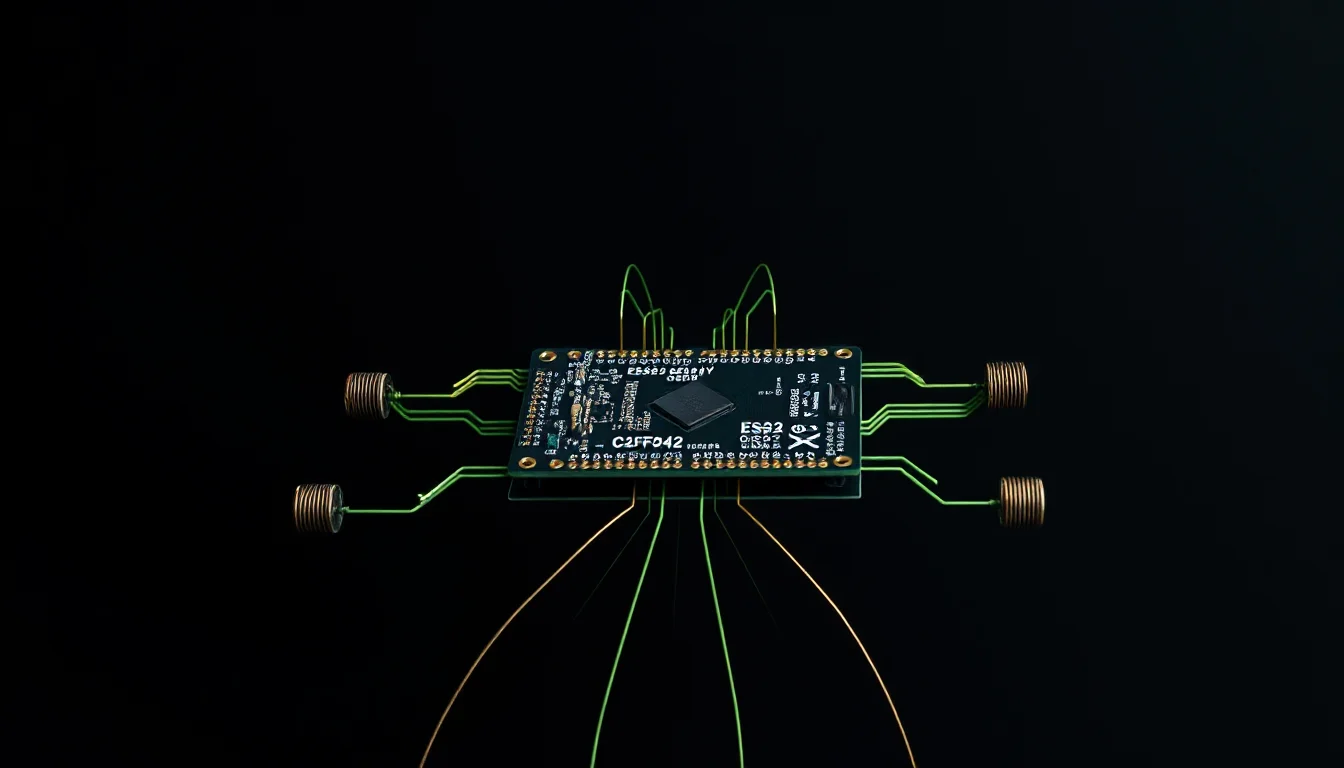
The Tronxy is running Klipper. The first layer is fine, until it isn’t — the bed drifts, SCREWS_TILT_CALCULATE tells me front right is off by 0:15, and I adjust it by hand for the third time that week. There had to be a better way.
Four stepper motors, an ESP32, and a Monday evening later, I had a plan: bolt motors to the leveling knobs, write an MCP server, and let Claude run the mesh, read the variance, and dial the corners in itself. A closed-loop “level my bed for me” rig.
The concept works. The loop ran. The hardware just didn’t fit.
The rig
Four 28BYJ-48 stepper motors with ULN2003 driver boards — cheap, low-torque, and precise enough for the quarter-turns needed to adjust a bed leveling screw. The ESP32 DevKit V1 drives all four independently:
ESP32 DevKit V1                    ULN2003 Drivers================                   ===============
                                   MOTOR 1 (Front Left)GPIO 13 ──────────────────────────► IN1GPIO 12 ──────────────────────────► IN2GPIO 14 ──────────────────────────► IN3GPIO 27 ──────────────────────────► IN4
                                   MOTOR 2 (Front Right)GPIO 26 ──────────────────────────► IN1GPIO 25 ──────────────────────────► IN2GPIO 33 ──────────────────────────► IN3GPIO 32 ──────────────────────────► IN4
                                   MOTOR 3 (Back Left)GPIO 23 ──────────────────────────► IN1GPIO 22 ──────────────────────────► IN2GPIO 21 ──────────────────────────► IN3GPIO 19 ──────────────────────────► IN4
                                   MOTOR 4 (Back Right)GPIO 18 ──────────────────────────► IN1GPIO 5  ──────────────────────────► IN2GPIO 17 ──────────────────────────► IN3GPIO 16 ──────────────────────────► IN4
Motor layout mirrors the bed corners:
BACK OF PRINTER ┌─────────────────────┐ │ │ │ [M3] [M4] │ │ Back Left Back Right │ │ │ [M1] [M2] │ │ Front Left Front Right │ │ └─────────────────────┘ FRONT OF PRINTERPower is split: the ESP32 runs off USB, the motors off an external 5V/2A supply. The shared ground between them is non-negotiable — without it, the logic signals from the ESP32 are floating relative to the driver boards and nothing works.
USB Cable ┌─────────────┐ (data + ESP32 power) │ ESP32 │ │ │ │ └─────────────────────────►│ USB │ │ GND ├──────────┐ └─────────────┘ │ COMMON GND External 5V/2A PSU │ │ │ ├── (+) ──────────────────────────────────────────► ULN2003 VCC (×4) └── (-) ──────────────────────────────────────────► ULN2003 GND (×4)Firmware
The firmware exposes a simple HTTP API over WiFi and uses half-stepping — 8 states per electrical cycle instead of 4, smoother movement and effectively double the resolution for the same motor. For M3 screws with a 0.5mm pitch, 4096 half-steps moves the bed exactly 0.5mm. That’s the precision you need when the target variance is 0.1mm.
#include <Arduino.h>#include <WiFi.h>#include <WebServer.h>
const char* SSID     = "YOUR_SSID";const char* PASSWORD = "YOUR_PASSWORD";
WebServer server(80);
// Half-step sequence — 8 states, smoother and more precise than full-stepconst int HALF_STEP[8][4] = {  {1,0,0,0}, {1,1,0,0}, {0,1,0,0}, {0,1,1,0},  {0,0,1,0}, {0,0,1,1}, {0,0,0,1}, {1,0,0,1}};
const int PINS[4][4] = {  {13,12,14,27},  // Front Left  (GPIO 12 is a strapping pin — safe after boot, but don't let it float HIGH at power-on)  {26,25,33,32},  // Front Right  {23,22,21,19},  // Back Left  {18, 5,17,16},  // Back Right};
const int   STEPS_PER_REV = 4096;  // 28BYJ-48 in half-stepconst float MM_PER_REV    = 0.5f;  // M3 screw pitchint stepIdx[4] = {};
void stepMotor(int m, int dir) {  stepIdx[m] = (stepIdx[m] + dir + 8) % 8;  for (int i = 0; i < 4; i++)    digitalWrite(PINS[m][i], HALF_STEP[stepIdx[m]][i]);}
void moveMotor(int m, int steps, int dir) {  for (int i = 0; i < steps; i++) {    stepMotor(m, dir);    delayMicroseconds(2000);  }  // De-energise coils — the 28BYJ-48 gets warm fast if left on  for (int i = 0; i < 4; i++) digitalWrite(PINS[m][i], LOW);}
void handleMoveMM() {  int   m     = server.arg("motor").toInt() - 1;  float mm    = server.arg("mm").toFloat();  int   dir   = server.arg("direction") == "CW" ? 1 : -1;  int   steps = (int)(mm / MM_PER_REV * STEPS_PER_REV);  moveMotor(m, steps, dir);  server.send(200, "application/json", R"({"ok":true})");}
void setup() {  for (int m = 0; m < 4; m++)    for (int p = 0; p < 4; p++)      pinMode(PINS[m][p], OUTPUT);
  WiFi.begin(SSID, PASSWORD);  while (WiFi.status() != WL_CONNECTED) delay(500);
  server.on("/move_mm", HTTP_GET, handleMoveMM);  server.on("/stop",    HTTP_GET, []() {    server.send(200, "application/json", R"({"ok":true})");  });  server.on("/status",  HTTP_GET, []() {    server.send(200, "application/json", R"({"status":"idle"})");  });  server.begin();}
void loop() { server.handleClient(); }
CW rotation lowers the bed (increases the gap). CCW raises it. The firmware itself has no concept of limits — those live in the MCP server, one layer up.
The MCP server
Klipper’s API is exposed through Moonraker over HTTP, which makes the MCP server straightforward: fetch the mesh, trigger probes, send commands to the ESP32. Five tools:
import asyncio, httpxfrom mcp.server import Serverfrom mcp.server.stdio import stdio_serverfrom mcp.types import Tool, TextContent
MOONRAKER = "http://printer.local:7125"ESP32     = "http://esp32-leveler.local"MAX_STEP  = 0.5   # mm per call — hard limit, not advisory
app = Server("bed-leveler")
CORNER_MOTOR = {    "front_left": 1, "front_right": 2,    "back_left":  3, "back_right":  4,}
async def moonraker_get(path):    async with httpx.AsyncClient(timeout=60) as c:        return (await c.get(f"{MOONRAKER}{path}")).json()
async def moonraker_gcode(script):    async with httpx.AsyncClient(timeout=120) as c:        return (await c.post(            f"{MOONRAKER}/printer/gcode/script",            json={"script": script}        )).json()
@app.list_tools()async def list_tools():    return [        Tool(name="get_bed_mesh",             description="Fetch current bed mesh variance from Klipper",             inputSchema={"type": "object", "properties": {}}),        Tool(name="probe_bed",             description="Trigger BED_MESH_CALIBRATE and wait",             inputSchema={"type": "object", "properties": {}}),        Tool(name="get_screws_tilt",             description="Run SCREWS_TILT_CALCULATE, return per-corner adjustments",             inputSchema={"type": "object", "properties": {}}),        Tool(name="adjust_corner",             description="Move a corner motor up or down, max 0.5mm per call",             inputSchema={                 "type": "object",                 "required": ["corner", "direction", "amount_mm"],                 "properties": {                     "corner":    {"type": "string", "enum": list(CORNER_MOTOR)},                     "direction": {"type": "string", "enum": ["up", "down"]},                     "amount_mm": {"type": "number"},                 }             }),        Tool(name="auto_level",             description="Probe → adjust → re-probe until variance < target",             inputSchema={                 "type": "object",                 "properties": {"target_variance": {"type": "number", "default": 0.1}}             }),    ]
@app.call_tool()async def call_tool(name, arguments):    if name == "get_bed_mesh":        r      = await moonraker_get("/printer/objects/query?bed_mesh")        points = r["result"]["status"]["bed_mesh"].get("probed_matrix", [])        flat   = [p for row in points for p in row]        if not flat:            return [TextContent(type="text", text="No mesh data — run probe_bed first")]        v = max(flat) - min(flat)        return [TextContent(type="text",            text=f"Variance: {v:.3f}mm  (min {min(flat):.3f} / max {max(flat):.3f})")]
    if name == "probe_bed":        await moonraker_gcode("BED_MESH_CALIBRATE")        await asyncio.sleep(120)        return [TextContent(type="text", text="Probe complete")]
    if name == "get_screws_tilt":        await moonraker_gcode("SCREWS_TILT_CALCULATE")        return [TextContent(type="text",            text="SCREWS_TILT_CALCULATE sent — read Klipper console for per-corner output")]
    if name == "adjust_corner":        corner = arguments["corner"]        mm     = min(float(arguments["amount_mm"]), MAX_STEP)        hw_dir = "CCW" if arguments["direction"] == "up" else "CW"        async with httpx.AsyncClient() as c:            await c.get(f"{ESP32}/move_mm", params={                "motor": CORNER_MOTOR[corner], "mm": mm, "direction": hw_dir            })        return [TextContent(type="text",            text=f"Moved {corner} {arguments['direction']} {mm:.2f}mm")]
    if name == "auto_level":        # Simplified: shows the probe-check-repeat loop structure.        # A real implementation would parse SCREWS_TILT_CALCULATE output between probes        # and call adjust_corner() for each corner before re-probing.        target = float(arguments.get("target_variance", 0.1))        for i in range(10):            r      = await moonraker_get("/printer/objects/query?bed_mesh")            points = r["result"]["status"]["bed_mesh"].get("probed_matrix", [])            flat   = [p for row in points for p in row]            if not flat or (max(flat) - min(flat)) <= target:                return [TextContent(type="text", text=f"Done in {i} iterations")]            await moonraker_gcode("BED_MESH_CALIBRATE")            await asyncio.sleep(120)        return [TextContent(type="text", text="Max iterations reached")]
async def main():    async with stdio_server() as (r, w):        await app.run(r, w, app.create_initialization_options())
asyncio.run(main())
The loop
With both running, a /level-printer slash command in Claude kicked off the full sequence: home the printer, call get_screws_tilt, adjust each corner that needed moving, call probe_bed, read the variance with get_bed_mesh, repeat until the mesh was flat. On the bench — motors clamped to a block of wood, spinning in mid-air — it worked exactly as designed.
Watching Claude call adjust_corner four times and then probe_bed and then read the variance back is the moment the experiment clicked. It’s not impressive code. What’s impressive is that the model understood the feedback loop without being told how to reason about it.
Build for failure, not the happy path
The safety limits baked into the design — 0.5mm max per adjust_corner call, 2mm total before prompting for confirmation — never triggered during bench testing. That was the point.
This matters more when the tool moves something in the real world than when it queries a database. A bad SQL query returns an error. A motor that doesn’t stop turns a bed screw until something breaks.
The part where physics said no
The bed leveling knobs live underneath the bed. Between the underside of the frame and the surface the printer sits on, there is not enough clearance for a 28BYJ-48 motor and any kind of mounting bracket. Not close — the geometry just doesn’t work out. The whole harness couldn’t fit.
So the rig never made it onto the printer. The firmware runs. The MCP server works. The loop closed, on a bench, with four motors spinning at nothing. The final installation step is waiting for a printer with more room underneath, or a different approach to the knobs entirely — side-mounted adapters, maybe, or a printer that wasn’t designed in 2016.
An ESP32 away from anything
The interesting part of this experiment was never the bed leveling.
MCP tooling isn’t limited to compute. get_bed_mesh reads data from an API. adjust_corner moves something in the physical world. That’s a genuinely different category of tool — and the model treats it the same way, which is either reassuring or alarming depending on your perspective.
With enough sensors and the right microcontroller, you’re an ESP32 away from letting Claude make you a cup of coffee when you most need it.