Consistent AI-generated covers for a static blog
Brand consistency with AI images isn't a prompting problem — it's a pipeline problem. Here's the one I built in a weekend.
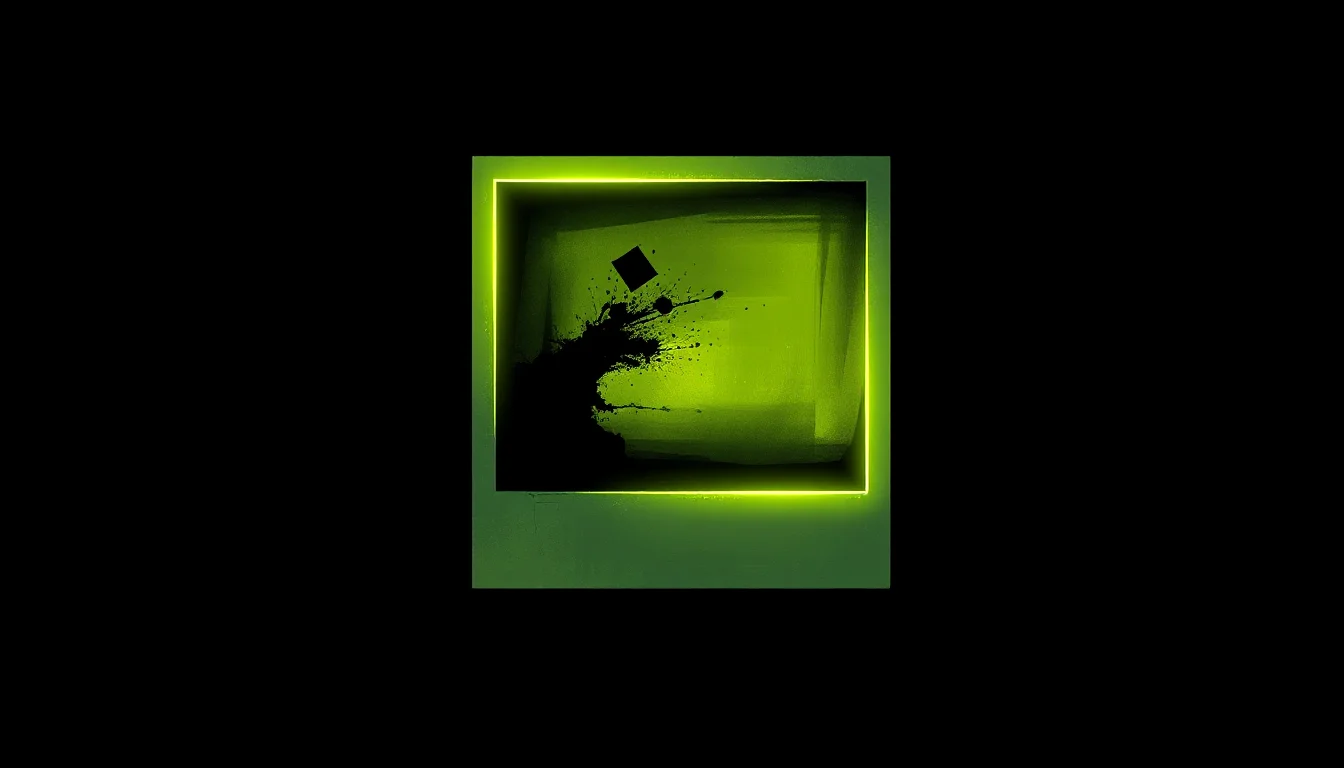
Starting a blog means deciding on a look. Fonts, colours, layout — those you do once and move on. Cover images are different: every article needs one, every one is generated fresh, and AI image generators are non-deterministic by default. Write the same prompt twice and you get two different results. Beautiful in different ways. Over twenty articles, that becomes twenty images that look like they came from twenty different blogs.
I needed a consistent look and feel. The answer wasn’t a better prompt — it was a pipeline.
It started at 11PM
June 3rd, half past eleven local time. I was looking at my GitHub profile — the terminal-themed README, the homelab projects I’d built but never written about — and typed the question I already knew the answer to: should I start a blog?
By midnight I had a domain, a platform decision, and a list of 20 article ideas. By the weekend I had a blog. It’s the same pattern I keep running into: the 11PM conversation that turns into the thing you actually ship.
The blog needed cover images. And cover images, it turns out, are where “I’ll just use AI” runs face-first into a brand consistency problem.
The problem with AI images
Every AI image generator is non-deterministic by default. You write a prompt, get something beautiful, write the same prompt tomorrow and get something different. Beautiful in a different way. The obvious fix — write a very detailed prompt and copy it every time — is a discipline problem. You’ll forget a clause. You’ll tweak a word. You’ll add something new and not notice what it pushed out. A brand isn’t a sentence you remember; it’s a constraint you can’t accidentally bypass.
The first attempt
I started with OllamaDiffuser, an Ollama-style CLI for diffusion models. I was running SDXL. I was already trying to bake brand constants into the prompt: charcoal black background, electric lime #C4F042 accent, no text, no faces, editorial style. But “baking them in” meant copy-pasting the same sentences into a string every time. That’s not a pipeline. That’s hope.
That, and SDXL needed 40 inference steps per image — about 26 seconds a shot. Iterating on five seeds meant two minutes of waiting to see if you’d got something worth keeping.
ComfyUI’s answer
ComfyUI approaches image generation as a node graph, not a text box. You wire up loaders, encoders, samplers, and decoders as explicit nodes, connect them, and save the result as a JSON workflow. The workflow is the pipeline. Every parameter — model weights, sampler, steps, canvas size, guidance — is a node property, not a string you type.
The brand constants aren’t instructions anymore. They’re structure. You can’t forget a node the way you forget a sentence.
I wrote a Python script (gen-cover.py) that builds the workflow programmatically and submits it to ComfyUI’s HTTP API. It takes --clip-l, --t5xxl, --negative, --seed, and --prefix as arguments. Everything else is fixed in the script: the model, the canvas, the sampler, all of it. The per-article part is the prompts. The brand is the graph.
If ComfyUI clicks for you, give it a star — it’s one of those projects that’s quietly excellent.
The stack
The GPU node is an NVIDIA RTX PRO 2000 Blackwell with 16 GB VRAM. Full BF16 FLUX doesn’t fit. flux1-schnell-fp8-e4m3fn.safetensors from Kijai/flux-fp8 (Apache-2.0, ungated) does — about 11.8 GB resident, leaving enough headroom for the VAE and encoders.
FLUX.1-schnell is also fast. Four steps, euler sampler, CFG 1.0. Each image takes three to five seconds. Five seeds of iteration takes under thirty seconds total.
FLUX uses two text encoders: CLIP-L and T5-XXL. They serve different roles — CLIP-L understands short keyword-style input, T5-XXL handles long descriptive text. ComfyUI exposes both as separate inputs on the CLIPTextEncodeFlux node, and the skill maps to that structure directly:
clip_l(20–30 words): the article’s visual symbol + brand keywords. Short. Dense.t5xxl(80–120 words): the full scene — atmosphere, lighting, colour calls (electric lime #C4F042, NOT pure green, NOT cyan), editorial framing.
The brand layer lives in the skill. The skill synthesizes the per-article motif. The graph enforces the rest.
The meta part
This article was written using a /create-article Claude Code skill, which conducts a structured interview before drafting. A /create-article-image skill generates the cover after the draft exists — reading the article, synthesising prompts, SSHing to the GPU node, converting the result to WebP, and updating the frontmatter. Both skills are available on GitHub.
There’s no reason you can’t do this too. Start a blog, decide on a brand, encode it in a pipeline once, and stop thinking about it. The 11PM idea that became the weekend project that became the thing generating its own documentation — that’s a good feeling. Worth chasing.